
Mark
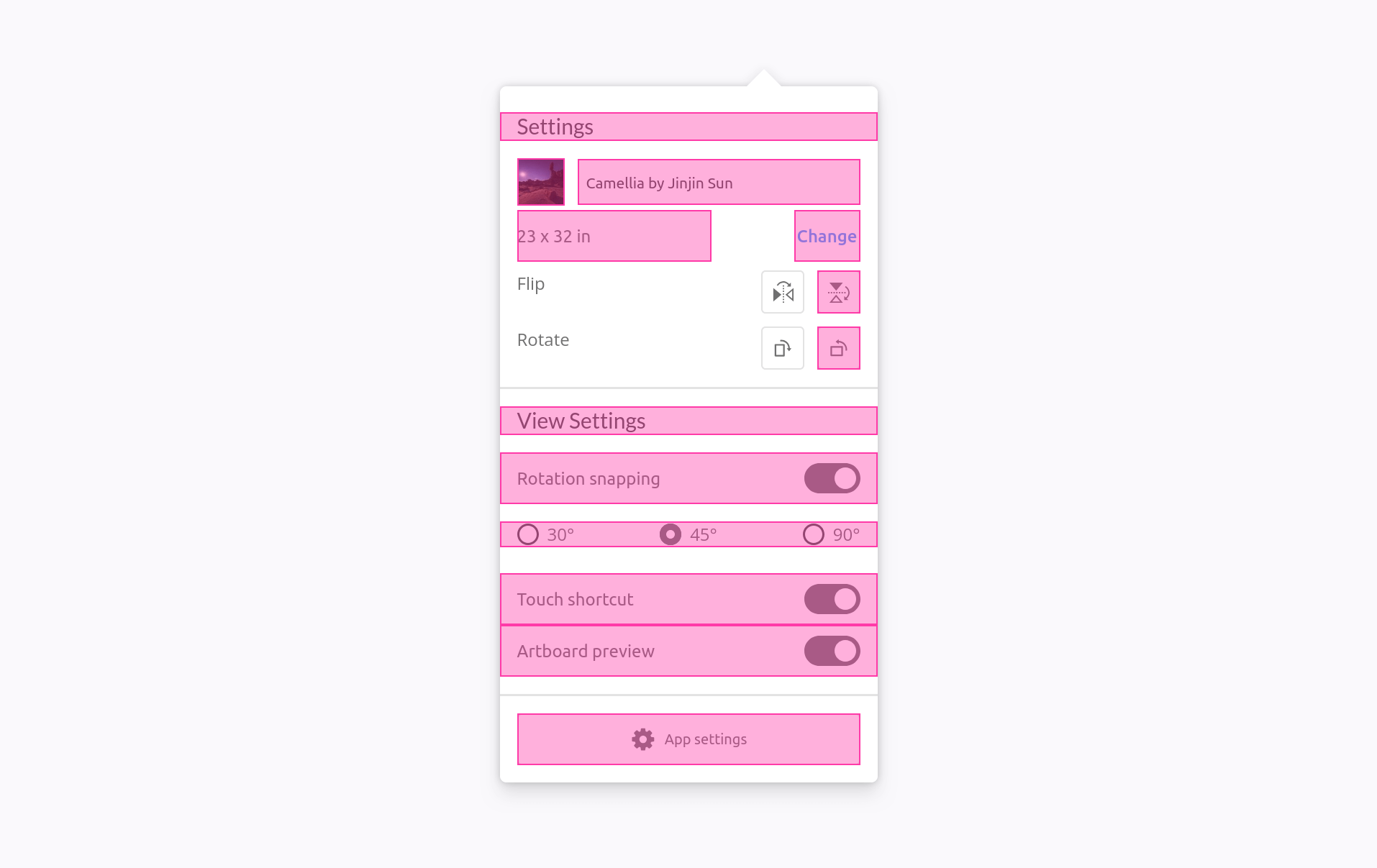
This feature allows you to mark specific elements.
INFO
For more technical documentation, see the relevant documentation under the API-section.
Usage
Via <script>-tag
In your component examples, use the following attribute.
html
<script src="https://unpkg.com/@phun-ky/speccer/dist/speccer.js"></script>
<div data-speccer="mark" …>…</div>
Programmatically
typescript
import { mark } from '@phun-ky/speccer';

const { create } = mark;
const element = document.querySelector('.my-element');
const options = {
  slug: 'markTest',
  type: 'mark'
};
await create(element, options);
Feature options
For more control over the feature options, you can view the available settings in the reference section.